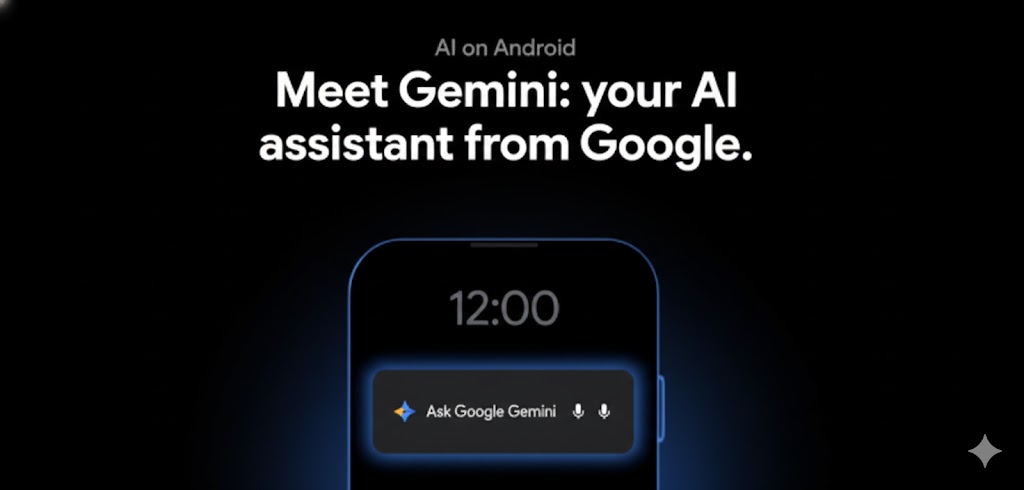

Google’s Gemini AI may soon do more than answer questions. It could book rides and place orders directly through Android apps for you.
In the constantly evolving world of artificial intelligence, every once in a while, an update arrives that feels less like a new feature and more like a shift in how we interact with technology. The latest move by Google’s AI — Gemini — is exactly that.
Imagine issuing a simple voice command and having your phone not just suggest options, but actually book your ride, place your food order, or complete a task in an app — all without you tapping a single button. That future just got a lot closer.
A Quiet Feature With Big Ambitions
Most of us are familiar with AI assistants that can answer questions, set reminders, or read messages aloud. But what if your AI could go a step further — operating other apps on your behalf? That’s where Gemini’s emerging “screen automation” capabilities come in.
According to recent reports, Google has been testing a feature in Android’s system software that allows Gemini to interact directly with apps like a human would, but with far greater speed and precision. Under the hood, this system — tentatively referred to by engineers as “bonobo” — lets Gemini navigate app interfaces, select options, fill out forms, and confirm actions based on your instructions.
The implications of this are significant: instead of just asking Gemini for suggestions (“Find me a taxi”), you could tell it to book a ride right now, and it would complete the full process using the ride-hailing app on your phone. Whether it’s ordering lunch, scheduling deliveries, or purchasing tickets, Gemini could soon handle it without you lifting a finger.
How It Works — And Where It’s Going
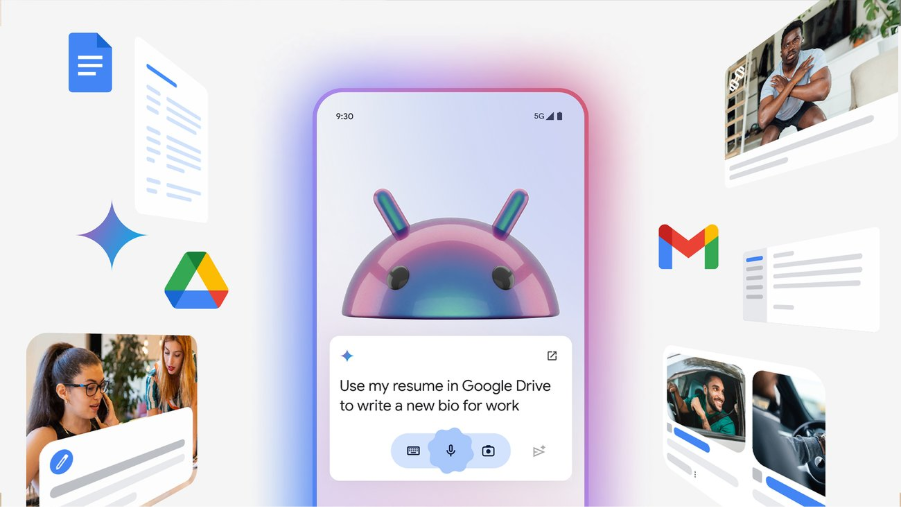
At the heart of this advancement is what developers call screen automation — technology that allows software to operate other software visually, much like how a person taps, swipes, and confirms actions on an app.
Right now, evidence of this functionality has surfaced in Android 16 QPR3 beta builds, suggesting that Google is laying foundational support for these smart actions at the operating system level. That means this isn’t just a clever trick within a single app — it could become a platform-wide enhancement for how AI assistants operate on Android devices.
However, Google has been careful not to overpromise. Since this feature involves letting AI navigate other apps on your phone, mistakes are possible. A wrong tap or misinterpreted command could lead to unintended actions — like an order placed incorrectly. For that reason, Google emphasizes that users should remain in control, with confirmations and safeguards built into the experience.
A New Chapter for AI Assistants
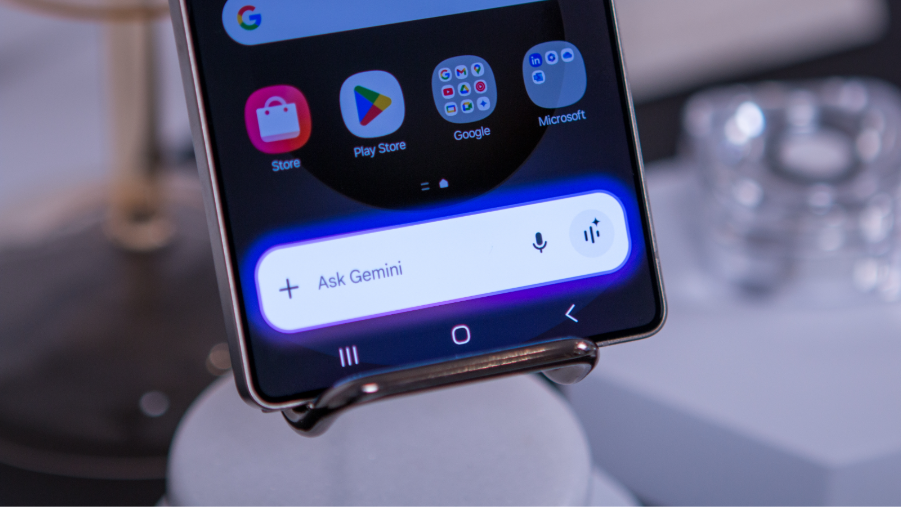
If this rollout becomes widespread, it would mark a significant evolution in how we use AI on our phones. For years, mobile assistants have been relegated to small tasks — answering queries or setting timers. But the ability to act autonomously inside other apps moves AI toward becoming a true digital helper rather than just an informational tool.
This change closely aligns with rising expectations around AI: not just accessing information, but executing tasks. It’s an important step forward in the transition from “assistant that tells you what to do” to “assistant that does it for you.”
Why It Matters
For everyday users, this could mean:
-
Scheduling rides without navigating ride-hailing apps manually.
-
Ordering food or essentials with a single verbal command.
-
Using complex apps seamlessly, even if you’re unfamiliar with their interface.
-
Saving time and reducing friction in daily tasks.
The long-term effects could also extend into accessibility — offering substantial benefits for users who have difficulty using touch interfaces or navigating multiple app menus.
What’s Next
At the moment, this capability is still in the beta stages and hasn’t been officially announced or fully rolled out. We don’t yet know the timeline for when consumers will see this in stable Android releases, or which apps will be supported first.
But one thing is clear: Google’s ambitions for Gemini go beyond answering questions. The goal appears to be creating AI that acts on our behalf, bridging the gap between voice command and real-world action.
In the near future, your phone may not just respond to you — it may operate for you.
And that could redefine what it means to live with AI every day.

 Travel
  Studies
  Food
Food  Fashion
  Technology
  Health




All Comments (0)