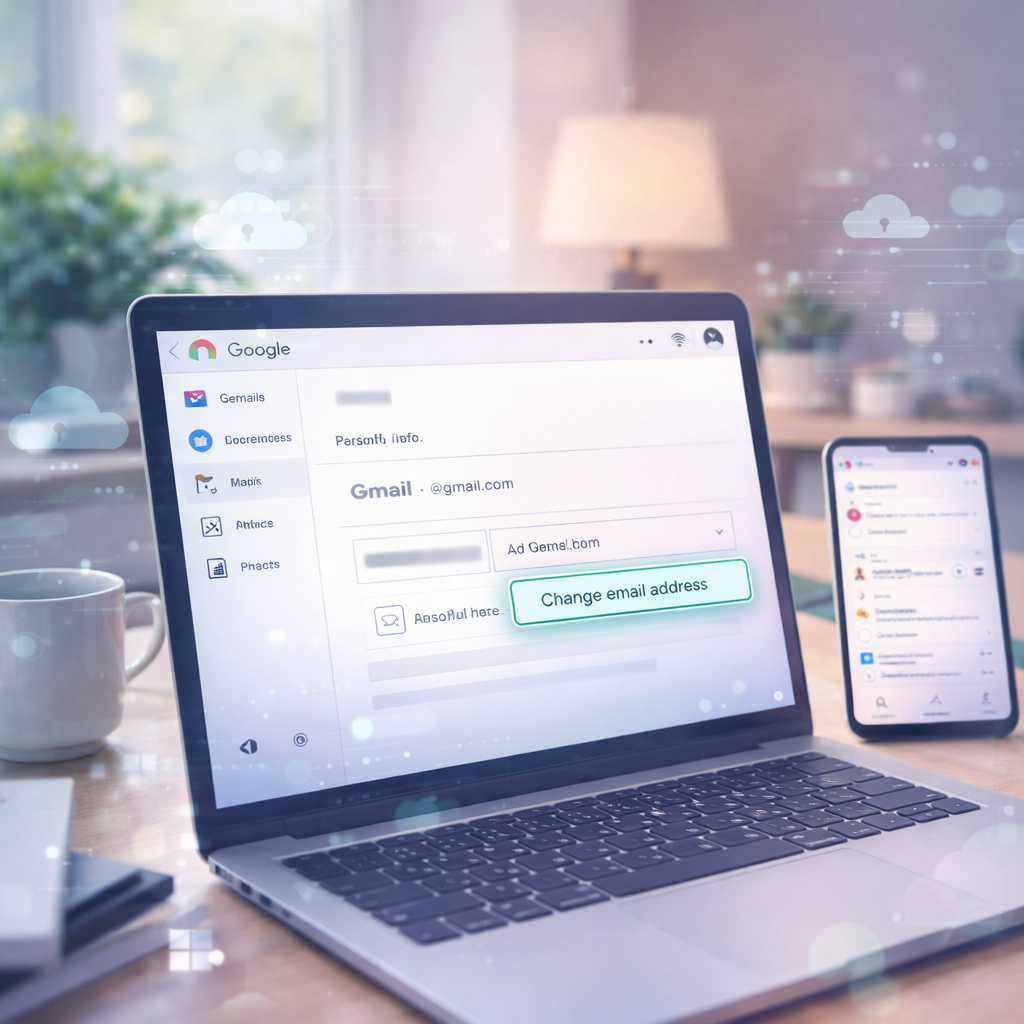

Ever wished you could change your old Gmail address without losing emails, files, or access to your Google account? Google has finally made it possible. Here’s how the new feature works, what rules to know, and how you can update your email safely and easily.
Have you ever regretted your old Gmail address — maybe it’s too casual, embarrassing, or just out of date? For years, changing it meant the painful process of creating a brand?new account and migrating emails, files, and sign?ins. But not anymore. Google has started rolling out a feature that lets you change your @gmail.com email address without losing a single bit of your data — and it’s easier than you think.
What’s New? A Long?Requested Change
For the first time in Gmail history, Google is giving users the option to update their Gmail address while keeping the same Google Account and all its services intact — including Gmail mail, Drive files, Photos, Google Play purchases, and access to YouTube, Maps, and more. Your old email address automatically becomes an alias, so emails sent there will still reach your inbox.
This is huge — no more losing years of communication just because your email name no longer fits your professional or personal life.
? Step?by?Step: How to Change Your Gmail Address
Here’s the easiest way to do it once the feature appears on your account:
-
Go to myaccount.google.com/google?account?email and sign in.
-
Click “Personal info” at the top.
-
Scroll down to Email → Google Account email.
-
If available, tap “Change Google account email.”
-
Enter a new @gmail.com address (must be unused) and confirm.
Note: If you don’t see the option yet, don’t panic — Google is rolling this feature out gradually, so it may take time before it appears in your settings.
What Happens to the Old Address?
Once you change your Gmail, your old address becomes an alias. That means:
-
Emails sent to your old address still land in your inbox.
-
You can sign in with either address across Google services.
-
The old address cannot be reused by anyone else — it stays tied to your account.
So if you’ve had a quirky or outdated address from way back in the day, this feature lets you shed it without missing messages or losing access.
Important Rules You Should Know
This feature isn’t unlimited — Google has built in some smart safeguards:
-
One Change Per Year: After you change your email, you’ll need to wait 12 months before changing it again.
-
Limited Number of Changes: You can change your Gmail up to three times total (the original + 3 changes).
-
Service Sync Delay: It might take 24–48 hours for every Google service to fully sync your new email across the ecosystem.
These limits help prevent misuse and keep accounts secure, while still giving users valuable flexibility.
Why This Move Matters
This update solves one of the biggest long?standing Gmail frustrations — users being stuck with an address they made years ago with no way to update it. Especially for students, professionals, or anyone who started their Gmail with an unprofessional handle, this feature is liberating.
Plus, by turning the old address into an alias and keeping data intact, Google’s approach ensures you don’t miss a beat.
Conclusion: Gmail Finally Listens to Users
After years of user requests and anticipation, Google has delivered a practical solution for changing Gmail addresses — without losing content, access, or convenience. It’s easy to do once the option appears, keeps your old address working, and brings much?needed flexibility to managing your digital identity.
So if you’ve ever wished you could ditch that college username or give your email a fresh, professional look, now’s the time to check your Gmail settings.


 Travel
  Studies
  Food
Food  Fashion
  Technology
  Health





All Comments (0)